Why Is My Feed Formulation Infeasible? A Troubleshooting Guide
By DietForge Team 5 min read
Topics: Feed Formulation, Optimization
Find conflicting limits, missing data, and unit errors. Diagnose an infeasible feed formulation without hiding violations through automatic rescaling.
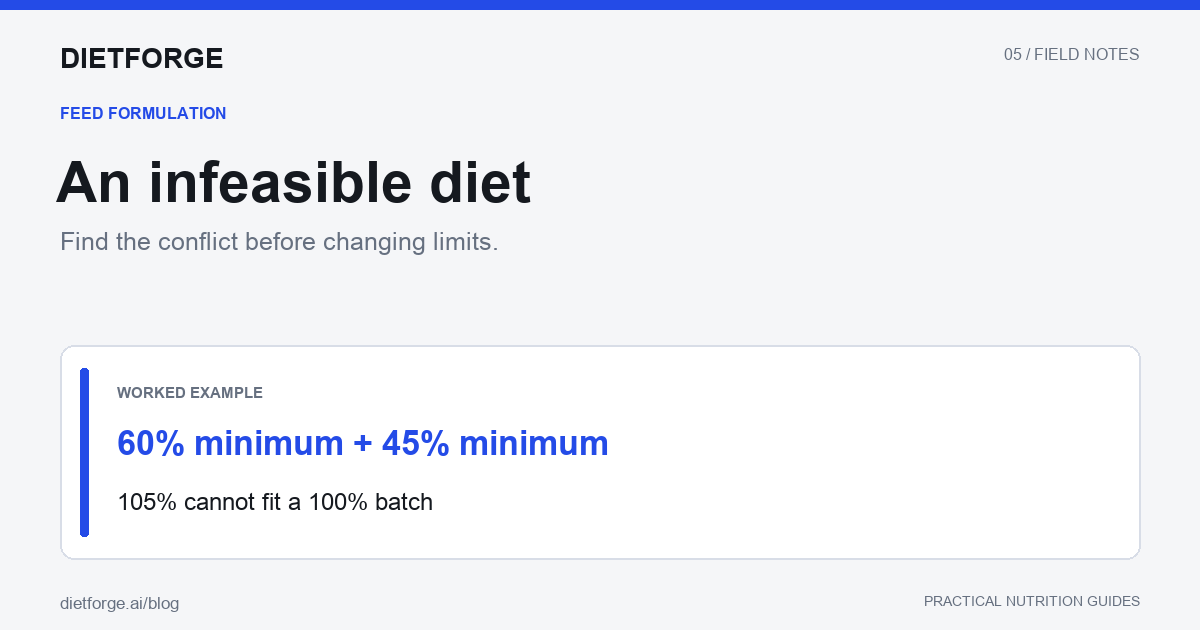
A feed formulation is infeasible when no combination of the available ingredients can satisfy all the model’s constraints simultaneously. It does not necessarily mean the animal’s requirements are wrong or that the software is broken. It means the current data and restrictions do not have a common solution.
Diagnose the conflict before relaxing anything. Changing many limits at once may produce a green status while hiding the original error. The examples below are mathematical illustrations, not recommendations for changing nutrient specifications.
First distinguish infeasible from incomplete or failed
“Infeasible” is a model outcome. Missing ingredient data, an interrupted calculation, a network error, or a time limit are different conditions. Read the actual message and preserve the input snapshot. An AI-generated draft can also be incomplete or inconsistent before a formulation solver has validated it.
Optimization tools may offer conflict analysis or feasibility relaxation; the Gurobi infeasibility documentation explains these concepts. This reference does not imply that every feature described there exists in DietForge.
Check the batch total and ingredient bounds
For a complete percentage-based formula, inclusions must total 100%. If fixed amounts and minima add to 104%, nothing remains to optimize: the bounds contradict the total. At the other extreme, if all allowed ingredient maxima sum to 96%, the model cannot fill the batch.
| Illustrative conflict | Why no solution exists | What to investigate |
|---|---|---|
| A minimum 60%; B minimum 45% | At least 105% is required | Duplicated or unintended minima |
| A maximum 50%; B maximum 40%; only A and B allowed | At most 90% is available | Missing ingredient or overly tight bounds |
| Ingredient minimum 8%; maximum 5% | The same value must be both ≥8 and ≤5 | Import or entry error |
These quick checks are necessary, not sufficient. A model whose minima and maxima permit a 100% total can still fail because its nutrient requirements conflict.
Check units, nutrient identity, and moisture basis
Trace each important target back to its source. Confirm percent versus g/kg, kcal versus MJ, kg versus lb, and as-fed versus dry matter. One percent equals 10 g/kg, not 1 g/kg. Use a consistent moisture conversion before comparing concentrations.
Also distinguish total lysine from SID lysine, total phosphorus from digestible phosphorus, and ME from NE. Similar labels do not make different nutrient systems interchangeable. A blank ingredient analysis is unknown; treating it as a genuine zero can make a nutrient appear impossible to supply.
Ask whether the allowed ingredients can supply the target
If every available ingredient contains at most 15% of a nutrient, a minimum of 18% cannot be reached by blending them. Ingredient bounds can make the reachable maximum even lower. An approved nutrient source may be absent, inactive, out of stock, or excluded from the selected mill.
Review which ingredients the calculation actually received, not just which ingredients exist in the library. Confirm that imported records were matched to the intended material and that the specification belongs to the correct species and production stage.
Look for interacting restrictions
A diet may be able to meet each target separately but not together. For example, raising one nutrient might require an ingredient whose inclusion is capped by another nutrient maximum. Fixed premixes, mineral ratios, low electrolyte limits, and restrictions on multiple byproducts can interact in ways that are difficult to see in a single row.
Work on a diagnostic copy. Temporarily remove a suspect restriction, solve, and record whether feasibility returns. Restore it before investigating another restriction unless you are explicitly testing a combination. A successful diagnostic solve identifies a conflict to examine; it does not approve the relaxed diet for use.
Do not hide the conflict by rescaling the answer
Multiplying every ingredient by a common factor to force a 100% total can breach hard limits. A draft totaling 92.6% becomes 100% when multiplied by about 1.08. An ingredient at its 8% maximum would then become roughly 8.64%, above the limit.
A valid repair must honor the batch total and all hard constraints together. If no such repair is possible, keep the formulation visibly unresolved. The nutritionist can continue working on an incomplete draft, but the interface should not present it as a validated production formula.
Keep a useful escalation record
Save the diet identifier, ingredient values and their sources, prices, selected specification, active limits, solver status, and the smallest diagnostic change that restored feasibility. Include screenshots for context, but also preserve the numeric inputs. Redact confidential client information before sending data outside your organization.
Once a correction is approved, solve again and independently inspect totals and critical constraints. A lower-cost answer is not evidence that the corrected specification is nutritionally appropriate.
Key takeaways
- Verify the calculation status before changing the diet.
- Check batch totals, contradictory bounds, units, and missing values first.
- Use controlled diagnostic copies to isolate interacting constraints.
- Never treat proportional rescaling as proof that hard limits are satisfied.
Frequently asked questions
Should I remove all ingredient maxima?
No. Some limits represent important nutritional or manufacturing restrictions. Determine why each limit exists and change only what an authorized reviewer approves.
Can a diet total 100% and still be infeasible?
Yes. It may violate nutrient requirements, ingredient limits, or other constraints even when its mass balance is correct.
Does an infeasible draft have to be discarded?
No. Preserve it as a draft for investigation. Its status and unresolved violations should remain clear until the formulation is corrected and reviewed.
Make the model easier to inspect
Our Excel Solver guide demonstrates a small, auditable model. For a shared formulation workspace, start free with DietForge.